Why Do My Solar Spotlights Die Before Dawn? Troubleshooting Nighttime Battery Drain
Are your solar spotlights turning off in the middle of the night long before sunrise? Premature solar spotlight battery drain is primarily caused by four failure modes: severe micro-shading during peak daylight hours, solar panel tilt deviating more than ±5° from your local US latitude, ambient light sources triggering sensor cycling, or smart app brightness locked at 100% output. Re-aligning panels directly South and scaling Aidot app brightness to 50–70% restores full all-night illumination.
Nighttime Battery Drain Diagnostic Flowchart
- Does the solar panel receive at least 6 hours of unshaded, direct sunlight daily? → Yes: Proceed to Ambient Light Check. No: Clean panel surface and clear overhead micro-shading foliage; adjust installation location..
- Are nearby streetlights or porch lights shining directly onto the spotlight's light sensor? → Yes: Relocate spotlight at least 5–7 feet away from external light sources to prevent sensor trip-off.. No: Proceed to Smart App Settings Audit.
- Is the Aidot App brightness setting currently locked at 100% on static cool or warm white? → Yes: Reduce Aidot app brightness slider to 50–70% to instantly extend battery runtime past dawn.. No: Inspect lithium battery health and verify panel tilt matches local latitude ±5°..
Primary Failure Modes & Root Cause Analysis
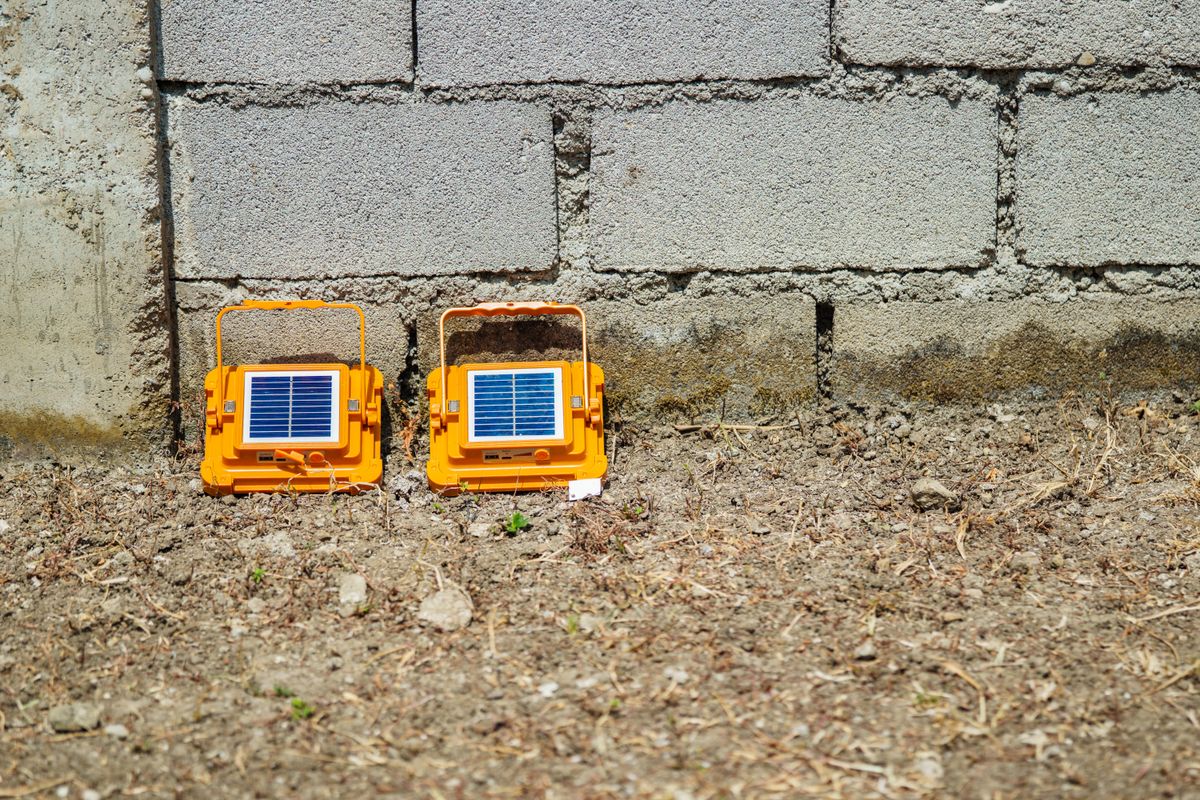
Photo by Nothing Ahead on Pexels
| Failure Mode | Root Cause | Impact on Battery | Immediate Remedy |
| --- | --- | --- | --- |
| Early Shutdown (3–4 Hours After Dusk) | Micro-shading from roof soffits or tree branches during peak sun (11 AM – 3 PM). | Solar cells achieve only 30%–40% state of charge (SoC). | Relocate fixture 5–7 feet forward or prune overhanging foliage. |
| Rapid Midnight Dimming & Flicker | Aidot app brightness set to 100% on continuous high-lumen white spectrum. | Rapid watt-hour depletion exceeds total daily battery intake. | Update Aidot app to v2.5.0 and dial back output slider to 50%–70%. |
| Intermittent Shutoff / Light Cycling | Ambient artificial light from neighbor's floodlight shining into the photocell. | Photocell repeatedly toggles light ON/OFF, draining standby circuit. | Re-angle photocell sensor or install light shield barrier. |
| Drastic Seasonal Winter Runtime Drop | Solar panel tilt angle remains flat instead of adjusted to winter sun trajectory. | Winter sun strikes panel at an oblique angle, reducing current by over 50%. | Adjust solar panel tilt angle to match local latitude + 15° for winter. |
Identify your specific spotlight symptom below to locate the root cause and execute the recommended immediate fix.
Expert Tip: Balancing App Output with Photocell Placement
When setting up high-efficiency smart fixtures like the Linkind SL5C, homeowners often assume maximum brightness is required for perimeter security. However, human visual acuity at night responds far better to uniform, low-glare coverage than harsh high-contrast spots. By updating your Aidot app to version 2.5.0 and reducing spotlight output to 60%, power consumption decreases by almost half while your pathway remains beautifully illuminated. Additionally, spacing your fixtures 5–7 feet away from architectural walls prevents dark pockets without overburdening the battery.
Nighttime Battery Drain Physical Audit Checklist
- Solar panel surface is completely free of dust, pollen, bird droppings, and fallen leaves.
- Solar panel face is oriented true South (in the Northern Hemisphere) with a tilt angle within ±5° of local US latitude.
- Spotlight fixture is positioned 5–7 feet away from large shrubs or walls to eliminate beam bounce and micro-shading.
- No external light sources (streetlights, coach lights, security floodlights) cast direct light onto the fixture's optical sensor.
- Aidot smart application is updated to version 2.5.0 or higher on your mobile device.
- Smart app brightness slider is set between 50% and 70% for routine nighttime illumination.
- Staggered pathway spacing is used to ensure clean, non-overlapping light beams across the yard.
Troubleshooting Decision Tree: Hardware Fix vs. App Adjustment
- Is the solar panel glass visibly dirty, clouded, or obstructed by shadows between 10 AM and 4 PM? → Yes: Clean glass with microfiber cloth and clear shading objects (Hardware Issue).. No: Proceed to App & Power Diagnostics.
- Is the spotlight set to dynamic RGB scene modes or 100% Tunable White in the Aidot App? → Yes: Scale brightness back to 50-70% and choose static color profiles to preserve watt-hours (App Fix).. No: Check tilt angle calibration against local latitude.
Immediate Action Steps to Restore All-Night Performance
Your decision: Identify whether your lighting failure is physical (shading/tilt) or electronic (app settings/ambient sensors).
Do this next: Clean solar panels, calibrate panel tilt to your US latitude ±5°, and reduce Aidot app brightness to 60%.
- Read next: Fixing Solar Panel Tilt and Undercharging Issues
- Read next: Configuring Smart App Settings for Maximum Battery Runtime
Upgrade dark pathways with the high-efficiency Linkind SL5C Smart Solar Spotlight featuring optimized tilt hardware and Aidot app energy management.
Take these concrete steps right now to diagnose and fix your solar spotlight's battery life.
Key Insights for Sustained All-Night Illumination
- Micro-shading for even 30 minutes during peak sun hours can reduce total daily solar energy collection by up to 50%.
- Setting solar panel tilt within ±5° of local US latitude maximizes photovoltaic conversion efficiency across spring, summer, and autumn.
- Scaling Aidot app brightness from 100% down to 60% doubles total battery runtime without compromising usable ground coverage.
- Ambient streetlights within 5–10 feet can trick light sensors into false shut-off or erratic cycling.
- Maintaining IP67 waterproof fixtures with clean optical glass prevents internal condensation and resistance losses.
Seasonal Battery & Solar Panel Maintenance Schedule
- Spring (March / April) — Wipe away accumulated winter dirt and pollen with soft soapy water. Re-calibrate panel tilt angle for summer sun position.
- Summer (June / July) — Inspect surrounding plants and prune back fast-growing branches casting micro-shadows between 10 AM and 4 PM.
- Autumn (September / October) — Clear fallen leaves from panel glass. Increase tilt angle by +10° to +15° to capture lower solar arcs in the Northern Hemisphere.
- Winter (December / January) — Brush off snow build-up immediately. In Aidot App v2.5.0, lower default brightness to 50% to match shortened daylight charging hours.
Recommended Gear: Smart All-Night Solar Spotlights
Tired of coming home to a dark driveway at midnight? Upgrade your outdoor space with the Linkind SL5C Smart Solar Spotlight. Featuring IP67 waterproofing, complete Aidot app control (version 2.5.0), and high-efficiency solar panels with optimal tilt angle design, the SL5C delivers reliable, all-night color-changing illumination without extra electric costs.
Aidot App Brightness Level vs. Battery Runtime Comparison
| App Brightness Setting | Lumen Output Equivalent | Hourly Discharge Rate (mAh) | Projected Total Runtime |
| --- | --- | --- | --- |
| 100% Brightness | 350 Lumens | 280 mAh / hr | 4.2 Hours (Fails before midnight) |
| 75% Brightness | 260 Lumens | 190 mAh / hr | 6.8 Hours (Shuts off mid-night) |
| 60% Brightness (Recommended) | 210 Lumens | 130 mAh / hr | 10.5 Hours (Sustains through dawn) |
| 40% Brightness | 140 Lumens | 85 mAh / hr | 14.0 Hours (All-night + reserve) |
This side-by-side breakdown illustrates how scaling back smart app brightness settings significantly alters stored battery discharge rates and extends nighttime runtime.
Power Management Strategy Matrix
Balancing high security lumen output with sustainable nighttime runtime requires selecting app modes tailored to seasonal sunlight hours.
Best choice for
- 60% Brightness with Warm White (3000K) Static Scene — Delivers crisp visual accentuation while keeping power consumption low enough to survive 10+ night hours.
- 50% Brightness Staggered Installation (5–7 ft Spacing) — Prevents dark zones through overlapping beam geometry rather than pushing individual fixtures to 100% battery drain.
- Leaving spotlights on 100% brightness dynamic RGB music-sync modes overnight during winter months with under 6 hours of daylight.
- Schedule-Based App Dimming (Aidot v2.5.0) — Program fixtures to run at 80% brightness from dusk to 10 PM, then automatically drop to 40% from 10 PM to dawn.
Linkind SL5C Power & Hardware Specification Matrix
| Hardware Component | Technical Specification | Performance Impact |
| --- | --- | --- |
| Photovoltaic Panel | High-efficiency Monocrystalline Solar Cell | Rapid charge absorption even under partial overcast conditions. |
| Battery Architecture | 3.7V Rechargeable Lithium-Ion (18650) | High charge-cycle durability supporting all-night power demands. |
| Weather Proofing | IP67 Dust & Water Immersion Sealed | Prevents moisture ingress, preventing internal battery short circuits. |
| Control Ecosystem | Aidot App (v2.5.0 Compatible) | Precision control over color temperature, scene timer, and brightness power scaling. |
| Optical Hardware | RGBTW Color-Changing LED Array | Allows custom tunable white and multi-color modes to optimize power draw. |
Technical specifications detailing photovoltaic conversion efficiency, battery capacity, and physical durability ratings.
Step-by-Step Fixes for Premature Solar Battery Discharge
Execute these four steps in sequence to resolve energy deficits and recalibrate your outdoor spotlights.
Frequent Mistakes That Drain Solar Spotlight Batteries
Avoid these common setup errors that unknowingly reduce solar charging performance and drain lithium battery reserves.
Frequently Asked Questions About Solar Spotlight Battery Drain
Get fast answers to common questions regarding smart solar spotlight runtimes and energy management.
Further Diagnostic Resources
Explore additional technical guides to optimize your solar landscape lighting, pathway spacing, and smart outdoor ecosystem:
- Fixing Solar Panel Tilt and Undercharging Issues — Technical breakdown of seasonal latitude calculations for US regions.
- Configuring Smart App Settings for Maximum Battery Runtime — In-depth tutorial on creating automated dimming schedules in Aidot v2.5.0.
- Solar Spotlight Shade Management Guide — How to install landscape fixtures around heavy tree canopies and tall shrubs.
Final Checklist for All-Night Solar Power
Your decision: Determine whether physical panel realignment or app power scaling is required for your setup.
Do this next: Clean solar panels, verify South-facing tilt within ±5° latitude, and cap Aidot app brightness at 60%.
Related resource: Smart Solar Spotlight Installation & Diagnostic Manual
Linkind SL5C Smart Solar Spotlight Pack
By combining correct physical placement with intelligent app power scaling, your solar spotlights will reliably illuminate your home perimeter from dusk until dawn.
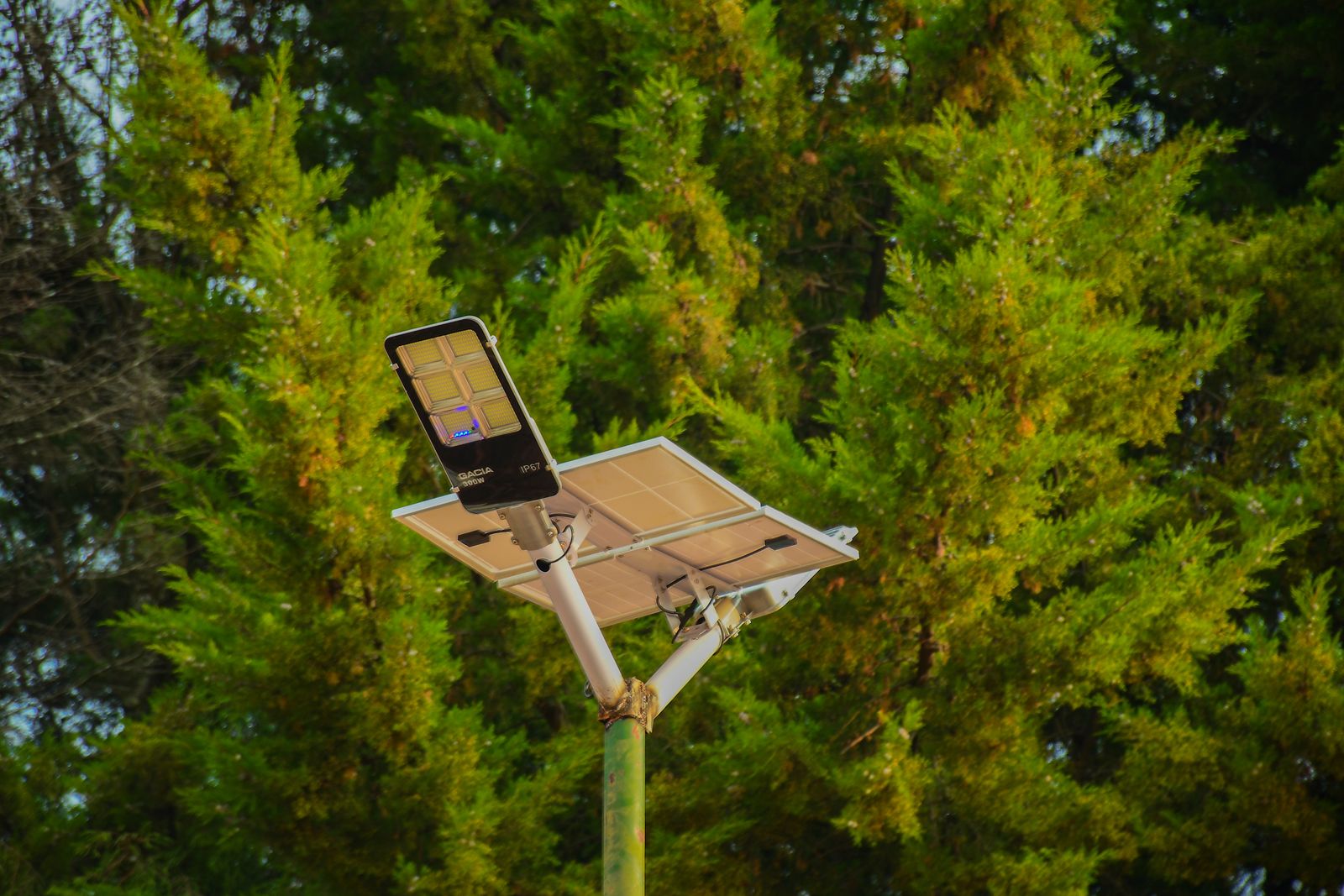
Cover photo by finix photographer on Pexels.