How to Customize Scenes and Adjust Color Temperature in the AiDot App (v2.5.0)
A 3-step navigation sequence in the AiDot App (v2.5.0) unlocks full 2700K to 6500K color temperature control for the Linkind SL5C Smart Solar Spotlight. Open your spotlight in the app, select the White tab at the top of the interface, and drag the Kelvin slider to your desired temperature. For multi-color dynamic scenes, switch to the Scene tab, tap +, mix your custom RGBTW palette with 1–10 second transitions, and tap Save.
Essential AiDot v2.5.0 Controls at a Glance
Technical Capabilities Matrix: Linkind SL5C & AiDot v2.5.0
Photo by Irina Iriser on Pexels
| Parameter | Technical Specification | Operational Range / Impact |
| --- | --- | --- |
| Color Temperature (CCT) | 2700K – 6500K Continuous Tuning | Warm Candlelight (2700K) to Cool Daylight (6500K) |
| Color Modes | RGBTW (16 Million Colors + Tunable White) | Independent Warm White & Cool White LED Diodes |
| Control Platform | AiDot App (Version 2.5.0 Required) | iOS & Android Bluetooth / Wi-Fi Mesh Control |
| Waterproof Rating | IP67 Ingress Protection | 100% dust-tight; resists water submersion up to 1 meter |
| Solar Charging Angle | Tilt Adjustable (Latitude ±5°) | Optimized for Northern Hemisphere seasonal solar sun paths |
| Recommended Standoff | 5 to 7 Feet from Target Object | Eliminates visual hotspots and provides 120° beam dispersion |
| Scene Speed Tuning | 1.0 to 10.0 Seconds Transition | Controls color change frequency across multi-light groups |
| Path Lighting Offset | Staggered 8 to 10 Feet Distance | Delivers continuous, uniform lighting along walkways |
Review the hardware and software specifications governing color output, app control parameters, and outdoor operational limits for the Linkind SL5C Smart Solar Spotlight.
Visual Navigation Guide: AiDot v2.5.0 UI & Kelvin Reference
Use the visual briefs below to locate key software controls within the AiDot v2.5.0 smartphone app and select the correct color temperature for your outdoor space.
Pro Tip: Optimizing Kelvin Values for Foliage and Stonework
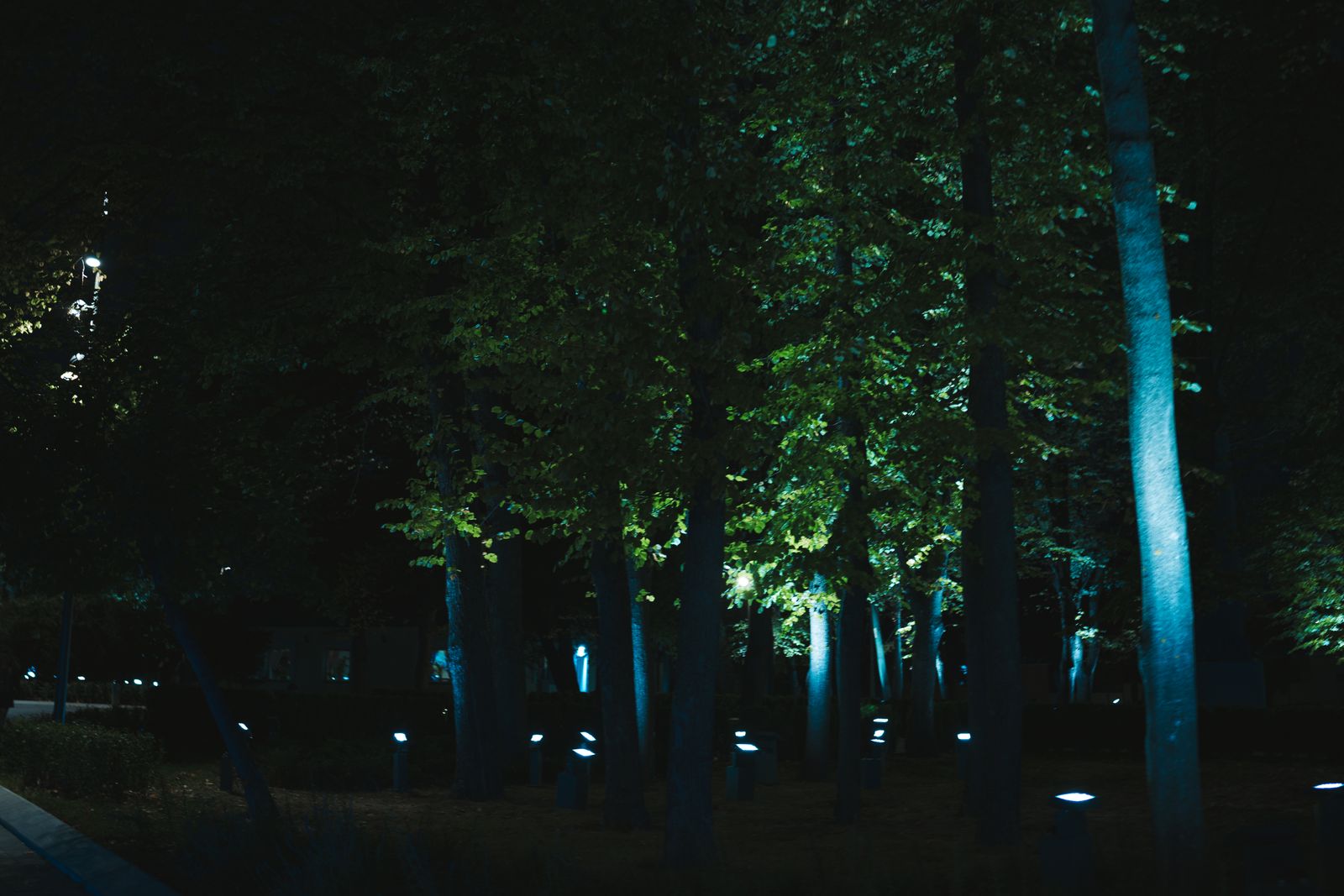
Apply the 3000K Rule of Thumb: match color temperature directly to architectural material density. Use warm white (2700K–3000K) on warm red brick, natural wood siding, cedar pergolas, and limestone flagstone to enhance earthy tones without turning surfaces gray. Switch to neutral-cool daylight (4000K–5000K) when illuminating deep green foliage, blue spruce trees, dark granite, or concrete retaining walls. Cool light highlights chlorophyl contrast and makes plants look healthier at night. Always mount fixtures 5 to 7 feet back from your targets to allow the optical lens to spread light evenly.
Selecting the Ideal Scene Mode for Your Outdoor Space
Match your AiDot v2.5.0 operating mode to your primary outdoor goal: choose Static CCT for permanent architectural lighting, Dynamic Scenes for parties and holidays, and Music Sync for social gatherings.
Best choice for
- Static CCT Mode (2700K - 4000K) — Delivers elegant, flicker-free illumination that highlights structural textures and garden canopy lines without distracting color shifts.
- Custom Dynamic RGBTW Scene Groups — Allows custom multi-color cycling with 1–10 second fade transitions synchronized across up to 30 spotlights simultaneously.
- AiDot Music Sync Mode — Uses your smartphone microphone to pulse spotlight brightness and color hues dynamically in real-time rhythm with music playback.
- Avoid setting dynamic scene transitions faster than 2 seconds if your solar panel receives less than 5 hours of direct sunlight daily, as rapid color shifting increases energy draw by up to 25%.
- Avoid using ultra-cool daylight (>5500K) on rich stained timber decking, which results in a harsh, washed-out appearance.
- AiDot Factory Preset Scenes — Select pre-built modes like 'Sunset', 'Forest', or 'Reading' when you want instant multi-spotlight coordination without manual color picking.
Recommended Equipment for Expanded Outdoor Ambiance
For best results when creating synchronized dynamic multi-light scenes, deploy spotlights in multi-pack configurations across your yard zones.
Navigating the AiDot v2.5.0 Color Temperature Spectrum
The update to AiDot version 2.5.0 streamlined the light-tuning workflow, separating functional white light from decorative color mixing. The Linkind SL5C Smart Solar Spotlight uses independent warm white and cool white LED chips alongside RGB diodes. This architectural design allows precise Correlated Color Temperature (CCT) tuning from 2700 Kelvin (Warm Candlelight) to 6500 Kelvin (Cool Daylight).
To adjust color temperature:
Creating and Saving Custom Dynamic RGBTW Scenes
Dynamic scenes cycle light fixtures through a customized series of colors at specified transition speeds. In version 2.5.0, scene creation supports multi-color grouping and timing parameters:
> Important Default Power-On Configuration: To ensure your custom scene activates automatically when the solar panel triggers at dusk, open Device Settings (gear icon) -> tap Default Power-On State -> choose Last Used State or select your specific saved scene.
Synchronizing Scenes Across Multiple Linkind SL5C Units
To apply a custom scene across multiple spotlights simultaneously:
Configuring Music Synchronization
Music Sync mode utilizes your mobile device's microphone input to convert live acoustic soundwaves into dynamic lighting responses:
Kelvin Selection & Scene Settings by Outdoor Application Scenario
Photo by Gurgenidze G on Pexels
| Outdoor Feature / Scenario | Recommended CCT / Mode | Brightness % | Transition Speed / Type | Standoff / Spacing Distance |
| --- | --- | --- | --- | --- |
| Red Brick & Warm Masonry Walls | 2700K Warm White | 80% | Static CCT | 5 to 7 feet from wall |
| Dense Garden Foliage & Evergreens | 4000K Neutral White | 70% | Static CCT | 5 to 6 feet from canopy |
| Patio Dining & Backyard Entertaining | Custom RGBTW Palette | 60% | Dynamic 5-second fade | 6 to 7 feet from seating |
| Perimeter Pathway & Safety Lighting | 6000K Cool Daylight | 100% | Static CCT | Staggered 8 to 10 feet apart |
| Holiday & Evening Music Festivities | RGBTW Party Palette | 100% | Music Sync (Rhythm Mode) | 5 to 7 feet from focus zone |
Reference the scenario matrix below to match your yard features with optimal Kelvin settings, brightness percentages, and installation offsets.
Frequent Setup Errors and How to Prevent Them
Avoid these common setup oversights to ensure consistent app control, accurate color rendition, and uninterrupted solar charging.
Frequently Asked Questions
Next Steps for Setting Up Your Ambiance
Your decision: Determine whether your yard lighting project requires static CCT tuning for architectural highlighting or dynamic multi-light color groups for entertaining.
Do this next: Verify your AiDot App is updated to version 2.5.0, ensure solar panels are tilted to local latitude ±5° without obstruction, and configure your Default Power-On State settings.
Related resource: AiDot App Setup & Solar Panel Positioning Guide
Upgrade your outdoor layout with the Linkind SL5C Smart Solar Spotlight 4-Pack for multi-zone synchronized dynamic scenes.