
Troubleshooting Linkind SL5C Aidot App v2.5.0 Connectivity & Offline Issues
Is your Linkind SL5C Smart Solar Spotlight displaying an 'Offline' status or failing to respond inside the Aidot App v2.5.0? Cover the solar panel with a dark cloth to test whether the internal battery has entered low-voltage deep sleep mode. If the RGBTW LEDs illuminate, enable Bluetooth and 'Nearby Devices' permissions on your mobile device, stand within 30 feet, and pull down to refresh the Aidot app interface. If the light remains unpowered or unresponsive, press and hold the physical power button under the solar head for 10 seconds until the LEDs pulse green three times to force a factory re-pairing cycle.
Visual Diagnostic Flow: Isolating App vs. Battery vs. Signal Failures
- Cover the solar panel completely. Does the SL5C light turn on physically at dusk/darkness? → Yes: Proceed to Bluetooth & App Permission Triage.. No: Battery is in Low-Voltage Deep Sleep. Clean panel and tilt ±5° from local latitude toward south for 6-8 hours of direct sun..
- Are you standing within 30 feet of the spotlight with mobile Bluetooth and 'Nearby Devices' permissions enabled in Aidot v2.5.0? → Yes: Proceed to Mesh Signal & Memory Cache Reset.. No: Move within 30 feet line-of-sight. Grant Local Network and Nearby Devices permissions in iOS/Android settings..
- Does pulling down to refresh in Aidot v2.5.0 restore control of RGBTW scenes and brightness? → Yes: Connection restored. Verify device firmware is up to date under Device Settings.. No: Perform a 10-second physical button hard reset until light blinks green three times, then re-pair..
Linkind SL5C Failure Modes & Aidot v2.5.0 Symptom Resolution Matrix

Photo by Irina Iriser on Pexels
| Physical LED Behavior | Aidot v2.5.0 App Error | Root Cause Analysis | Technical Resolution Protocol |
| --- | --- | --- | --- |
| Dark / No Light Output at Night | Device Offline (Code E-01) | Lithium battery voltage dropped below critical 3.0V cutoff; BLE receiver enters deep sleep to protect cell integrity. | Eliminate daytime shading. Adjust solar panel tilt to ±5° of local latitude. Allow 8 hours of unobstructed solar charge before re-attempting connection. |
| Flashes Red Briefly, Then Extinguishes | Connecting... (Hangs at 99%) | Corrupted BLE encryption handshake token between phone OS and Aidot v2.5.0 background cache. | Clear Aidot app cache, toggle smartphone Bluetooth off/on, and execute a 10-second button hold on the SL5C unit until it blinks green 3 times. |
| Light On Solid White; Color/Scenes Frozen | Signal Weak / Unresponsive | BLE direct range exceeded (>35 ft) without an active Aidot Bluetooth Mesh node or Wi-Fi Gateway intermediate relay. | Relocate lights within 30–50 ft of each other to establish a daisy-chained BLE mesh, or add an Aidot Bluetooth-to-Wi-Fi gateway. |
| Turns Off Immediately When Porch Light Switches On | Device Offline (Intermittent) | Ambient streetlight or ambient architectural light hitting photosensor, tricking daylight detection circuit. | Re-angle solar/sensor head away from fixed light fixtures, or reposition spotlight stake 5–7 feet away from reflected light surfaces. |
Match your spotlight's physical LED behavior and Aidot app error messages against the root causes and technical fixes below.
Expert Advice: Disentangling Solar Battery 'Deep Sleep' from Network Disconnection
When a smart landscape light goes 'Offline,' nine times out of ten homeowners assume the Bluetooth radio has failed. In reality, the Linkind SL5C utilizes an intelligent low-voltage disconnect (LVD) circuit designed to preserve lithium battery lifespan. When solar harvest falls short—often due to winter sun angles or tree canopy shade—the internal battery voltage drops below 3.0V. To safeguard memory settings, the microcontroller cuts power to the Bluetooth Low Energy (BLE) module, causing Aidot v2.5.0 to report the fixture as 'Offline.'
Before executing a full app reset, perform the Solar Flush Method: turned off via app or covered during daytime, ensure the panel receives 6 to 8 hours of unshaded sunlight at a tilt angle within ±5° of your local geographic latitude (facing south in the Northern Hemisphere). Once the battery reaches 3.7V nominal operating voltage, the BLE chip wakes up automatically and reconnects to your Aidot v2.5.0 mesh network without requiring re-pairing.
Linkind SL5C & Aidot v2.5.0 Connectivity Decision Tree
- Is your Aidot App updated strictly to Version 2.5.0 or higher? → Yes: Check physical placement relative to sunlight and artificial light sources.. No: Update Aidot app via Apple App Store or Google Play Store immediately. Legacy versions lack current BLE mesh handshake protocols.
- Is the solar panel installed in direct sunlight, free from shadows, and tilted ±5° to local latitude? → Yes: Check distance between smartphone/gateway and the spotlight.. No: Reposition spotlight stake. Shading on even 10% of the photovoltaic surface reduces power conversion by up to 50%.
- Are lights installed using a staggered path lighting layout spaced 5-7 feet from illuminated objects? → Yes: Perform 10-second factory reset sequence.. No: Adjust placement. Staggered spacing ensures optimal BLE mesh density and prevents multi-unit light sensor interference.
Recommended Equipment for Uninterrupted Smart Solar Lighting
Need to expand your outdoor mesh range or replace units shaded by mature landscaping? Ensure seamless Aidot v2.5.0 integration with original Linkind hardware.
Key Takeaways: Preventing Recurring Aidot App Offline Errors
- Version Standardization: Ensure your smartphone is running Aidot App v2.5.0 or later to maintain BLE protocol compatibility.
- Deep Sleep Awareness: 'Offline' status at night usually indicates battery depletion below 3.0V, not a broken Bluetooth radio.
- Latitude Tilt Alignment: Set solar panel tilt angle to ±5° of your local geographic latitude (Northern Hemisphere) to ensure maximum photovoltaic energy harvest.
- Optimal Fixture Distance: Place spotlights 5–7 feet from target objects and stagger path layouts to allow BLE signals to mesh across 30–50 ft gaps.
- Light Source Avoidance: Install solar panels away from streetlights or bright porch fixtures that trick daylight sensors into cutting night power.
- Hard Reset Sequence: Hold the physical power button under the solar head for 10 seconds until LEDs flash green three times to clear corrupted pairing memory.
Step-by-Step Factory Reset & Pairing Protocol for Aidot v2.5.0
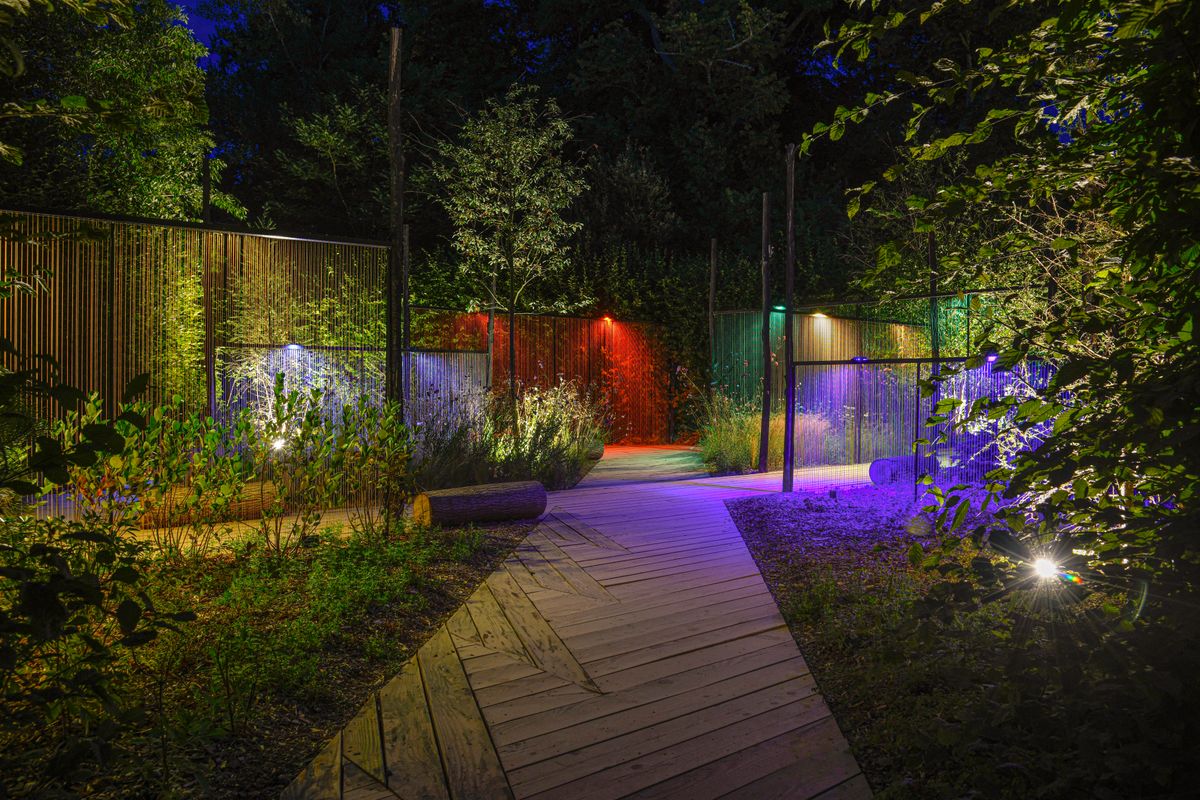
Photo by Thierry coulon on Pexels
When soft-refreshing Aidot v2.5.0 fails to clear an 'Offline' error, follow this standard factory reset and re-pairing protocol.
Top 5 Mistakes That Cause Linkind SL5C Spotlights to Go Offline
Avoid these standard installation errors that degrade Bluetooth communication and solar charging efficiency:
Frequently Asked Questions: Aidot App v2.5.0 & Linkind SL5C Troubleshooting
How do I reset my Linkind SL5C Smart Solar Spotlight to factory settings?
Locate the power button underneath the solar head assembly. Press and hold down firmly for 10 seconds until the main RGBTW LED array pulses green three times. This signals a complete flash memory wipe, purging old Bluetooth tokens and returning the unit to Aidot v2.5.0 pairing mode.
Why does my solar spotlight disconnect from the Aidot app only at night?
Nighttime disconnects occur when daytime solar charge is insufficient, causing battery voltage to fall below the 3.0V safety threshold. To prevent cell damage, the spotlight enters deep sleep mode and disables its Bluetooth receiver. Ensure the panel receives unshaded sunlight tilted at ±5° of local latitude.
How do I update the firmware on Linkind SL5C lights in Aidot v2.5.0?
Open Aidot App v2.5.0, select your SL5C spotlight, tap the gear icon (Device Settings), and choose 'Firmware Update'. Stand within 10 feet of the spotlight during daylight hours when battery level is above 50% to prevent power interruption during flash writing.
Can I control Linkind SL5C lights away from home without a Bluetooth gateway?
Direct smartphone control relies on local Bluetooth BLE with an effective range of 30 to 50 feet. Controlling RGBTW scenes, schedules, or automation rules from outside the home requires linking your SL5C lights to an optional Aidot Bluetooth-to-Wi-Fi gateway connected to a 2.4GHz network.
Does low battery cause smart solar lights to go offline in the app?
Yes. When the lithium battery drops to critical low-voltage state, the onboard power management system shuts off the Bluetooth radio to reserve remaining energy for internal circuit protection. Once recharged by direct sunlight, the device automatically reappears in the Aidot app.
Find fast solutions to common operational and app setup questions.
Related Smart Solar Lighting & Aidot Automation Guides
- Linkind SL5C Smart Solar Spotlight: Aidot App v2.5.0 Setup & Charging Troubleshooting Guide
- Troubleshooting Custom Color Scenes & Music Sync in the AiDot App (v2.5.0)
- How to Pair and Group Linkind SL5C Smart Solar Spotlights in the Aidot App v2.5.0
Next Steps: Restoring Your Outdoor Ambiance
Your decision: Determine whether your SL5C spotlight requires solar panel repositioning for low-voltage battery recovery or an app permission and hardware re-pairing protocol.
Do this next: Execute the 10-second physical button factory reset, verify your mobile device is running Aidot App v2.5.0 with full Bluetooth and Location permissions, and re-angle solar panels within ±5° of your local geographic latitude.
- Read next: How to Pair and Group Linkind SL5C Smart Solar Spotlights in the Aidot App v2.5.0
- Read next: Troubleshooting Solar Panel Charging and App Controls for Pathway Lighting
Smart Solar Spotlight (Pack Size) for expanding mesh signal density across larger yards.
Take immediate action to restore full connectivity and automated control over your landscape lights.
Cover photo by Irina Iriser on Pexels.