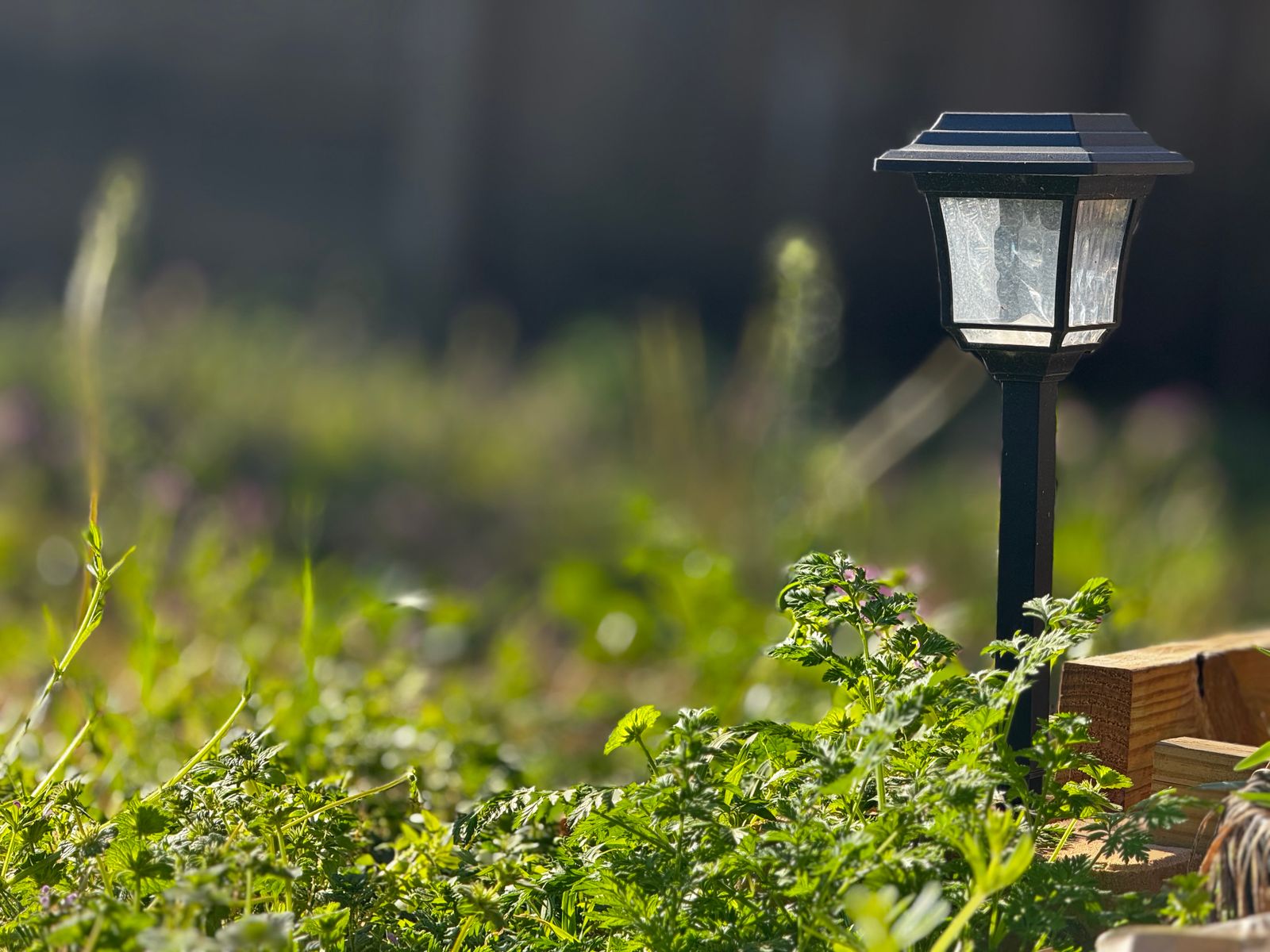
Linkind SL5C Smart Solar Spotlight: Aidot App v2.5.0 Setup & Charging Troubleshooting Guide
To set up the Linkind SL5C, update the Aidot app to v2.5.0, hold the power button for 5 seconds until the light pulses red and blue, and pair via Bluetooth and 2.4GHz Wi-Fi. For optimal solar charging, tilt the solar panel to your local latitude (±5°) and position it 5–7 feet from objects in direct sunlight.
Pre-Setup Readiness Checklist
- Download or update the Aidot app to version 2.5.0 on iOS or Android.
- Ensure smartphone Bluetooth is turned ON and connected to a 2.4GHz Wi-Fi network band.
- Verify the mounting location is 5 to 7 feet away from tall objects, walls, or dense tree canopies.
- Check that the solar panel angle can be set to within ±5° of your local US latitude angle.
- Confirm the solar panel surface is completely free of protective plastic film, dirt, or shadows.
- Verify the installation spot is isolated from night glare produced by nearby streetlights or porch fixtures.
Step-by-Step Aidot App v2.5.0 Pairing & Solar Installation Guide
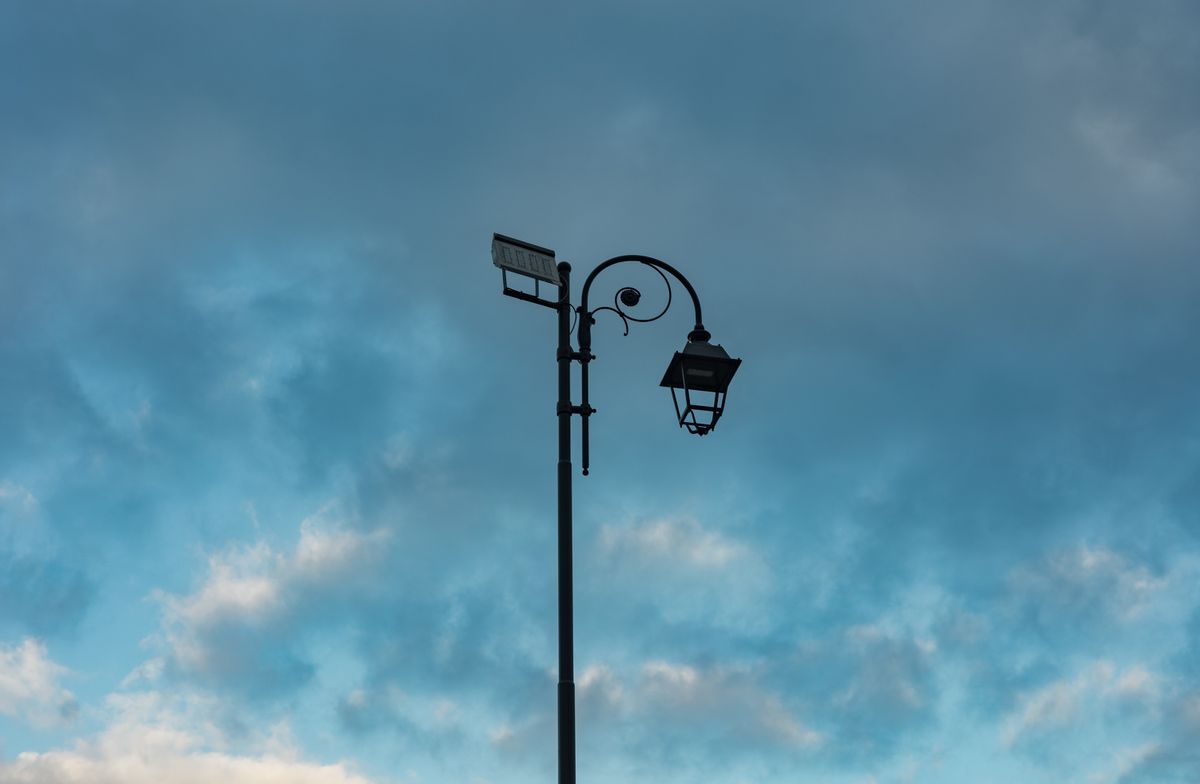
Photo by Angelo Capitanio on Pexels
Follow this step-by-step procedure to connect your Linkind SL5C RGBTW spotlights to Aidot App version 2.5.0 and align the physical solar array for maximum daily charge accumulation.
Expert Field Note: Preventing Photocell Sensor Lockout
The Linkind SL5C utilizes an intelligent integrated light sensor located directly on the solar panel face to distinguish between day and night. If your spotlight is installed within 8 feet of a high-lumen artificial light source—such as a neighbor's security floodlight or an elevated municipal streetlight—the sensor may read ambient lux levels above 15 lux. This fools the internal logic board into treating night time as daytime, holding the main RGBTW LED array in shutoff mode. Always point spotlight optical heads away from direct artificial sources and maintain at least 5 to 7 feet of clearance between individual SL5C units.
Essential Setup & Charging Core Rules
Keep these quantitative rules in mind to maintain peak battery performance and reliable smart app controls.
Linkind SL5C Hardware & App Troubleshooting Matrix
| Symptom / Issue | Probable Cause | Diagnostic Check | Corrective Action |
| --- | --- | --- | --- |
| Spotlight fails to pair in Aidot app | App build prior to v2.5.0 or phone connected to 5GHz Wi-Fi | Check Aidot app version under Account Settings; verify Wi-Fi network SSID frequency band | Update Aidot app to v2.5.0+, force smartphone onto 2.4GHz network, hold power button 5s to reset SL5C pairing. |
| Light does not turn on automatically at dusk | Ambient photocell sensor receiving external artificial light | Check for nearby streetlamps, porch fixtures, or adjacent spotlights shining on the solar panel surface | Relocate spotlight away from external light sources or pivot the solar panel angle away from direct artificial glare. |
| Short illumination duration (< 4 hours at night) | Photovoltaic panel shaded or horizontal tilt angle (0°) | Inspect solar panel surface for tree canopy shadows, dust accumulation, or flat mounting | Adjust panel tilt angle to local latitude ±5° facing South; trim overhanging foliage blocking direct sunlight. |
| Color scene customization or music sync lags | Weak Bluetooth mesh signal between gateway, phone, and fixture | Check RSSI signal strength value inside Aidot app device menu for the affected spotlight unit | Reposition phone or smart gateway within 25 feet during setup, or add an Aidot Bluetooth Mesh extension node. |
Use this side-by-side diagnostic table to identify hardware, network, or environmental issues and apply instant fixes.
Recommended Linkind SL5C Hardware Packages
Ready to upgrade your outdoor landscape security? Explore the Linkind SL5C Smart Solar Spotlight pack sizes at SmartSolarSpotlight.com and take control of your outdoor ambiance today.
Visual Blueprint: Solar Panel Tilt Angle vs. Latitude Optimization
Understanding the precise angular geometry between your local US latitude and the Linkind SL5C solar panel ensures your lights store maximum energy, even during short winter days.
5 Critical Pitfalls That Block Charging or App Pairing
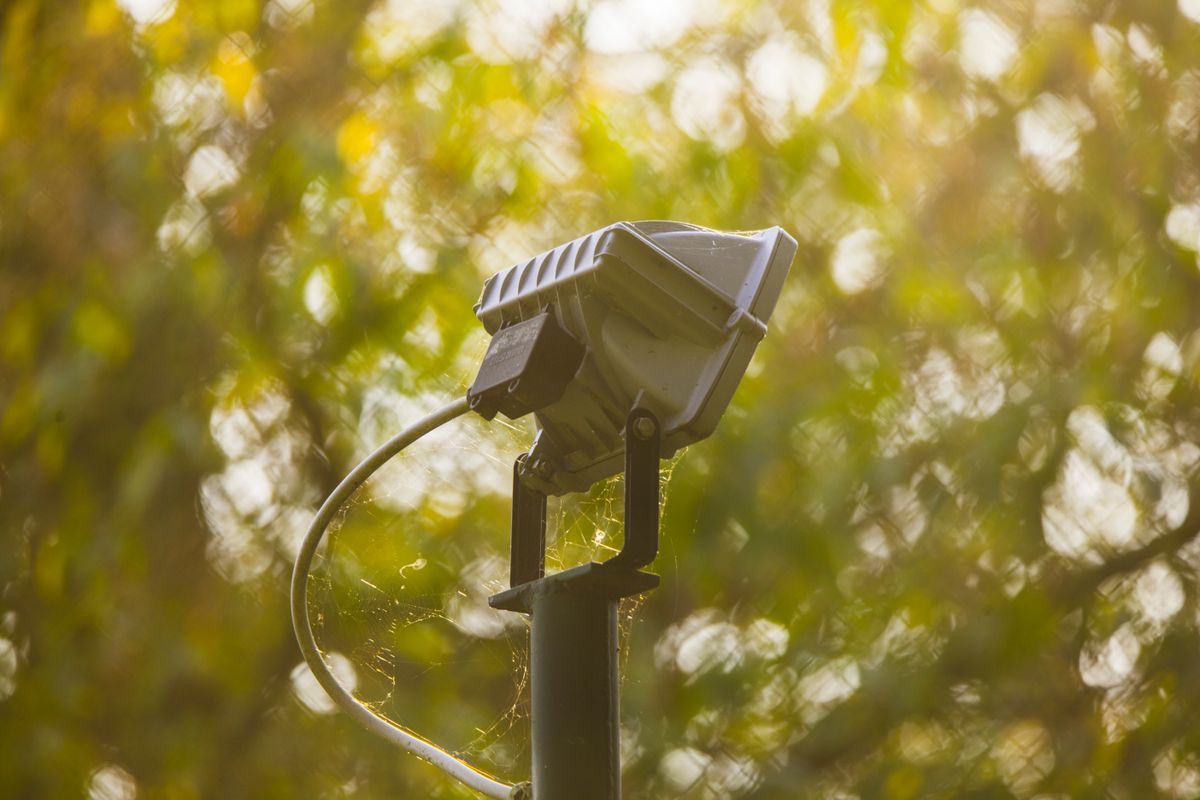
Photo by Francesco Paggiaro on Pexels
Steer clear of these common installation and configuration errors to ensure optimal daily charging and smooth app management.
First-Time Solar Battery Conditioning Timeline (0–48 Hours)
- Hour 0: Unboxing & Pre-Check — Unpack the spotlight, peel off all clear protective films from the solar panel and optical lens, and inspect the physical power switch seal.
- Hours 1–8: Initial Unshaded Solar Charge — Place the spotlight in direct, unshaded sunlight for a full 8-hour charge cycle with the power off to condition the lithium battery before active night illumination.
- Hour 9: Aidot App v2.5.0 Pairing — Power on the spotlight, trigger Bluetooth discovery (5s button press), complete Aidot v2.5.0 pairing, and organize fixtures into custom light groups.
- Hour 10: Night Scene & Photocell Verification — Confirm automatic dusk turn-on, test customized RGBTW color scenes, and verify that nearby ambient lighting does not cause accidental fixture shutoffs.
- Hours 24–48: Seasonal Performance Monitoring — Monitor nightly illumination duration and check battery telemetry in the Aidot app to confirm that daily sun exposure matches configured light brightness levels.
Frequently Asked Questions
Clear, direct answers to common questions about setting up, charging, and configuring the Linkind SL5C spotlight.
Immediate Next Actions & Setup Follow-Up
Your decision: Determine if your Linkind SL5C spotlight is successfully paired to Aidot App v2.5.0 and receiving at least 6 to 8 hours of unshaded direct sunlight.
Do this next: Complete the Aidot App v2.5.0 pairing sequence, set the solar panel tilt angle to your local latitude (±5°), and test night operation by covering the solar panel sensor.
- Read next: How to Pair and Group Linkind SL5C Smart Solar Spotlights in the Aidot App v2.5.0
- Read next: Troubleshooting Linkind SL5C Aidot App v2.5.0 Connectivity & Offline Issues
Smart Solar Spotlight (Pack Size) for complete perimeter lighting expansion.
Follow these final recommendations to complete your smart outdoor landscape lighting installation.