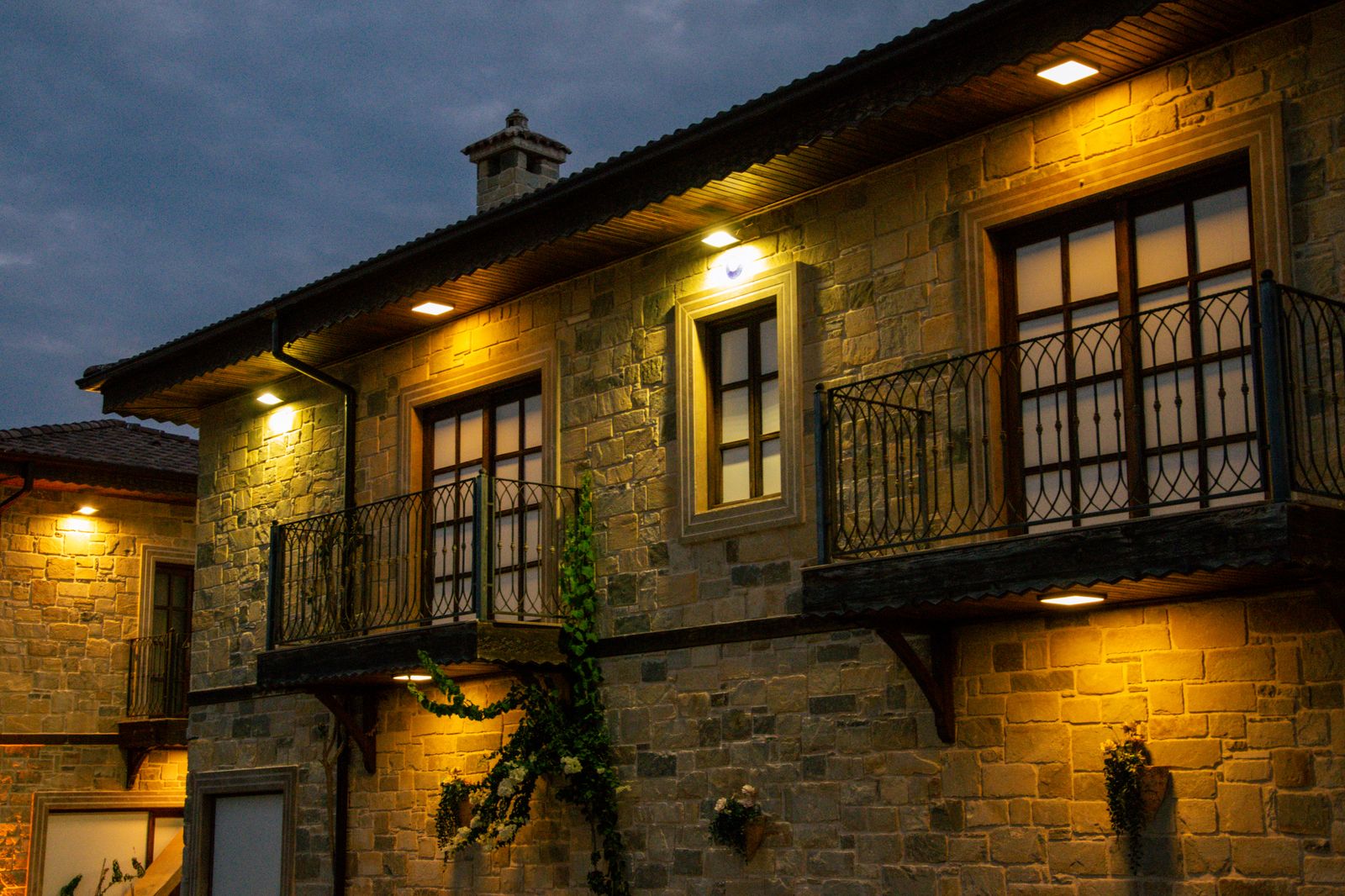
Outdoor Security Lighting Automation FAQ: Dusk-to-Dawn Routines Made Simple
Imagine returning home at 10 PM to a dimly lit driveway, or finding your perimeter lights dead by 2 AM during a long winter night. To ensure reliable, all-night outdoor security lighting without unexpected power drain, update your Aidot app to version 2.5.0 and establish an Astronomical Schedule tied to your geographic location's daily sunset and sunrise.
For optimal performance across US weather seasons, set standby security brightness to 30%–50%, angle the solar panels toward true south at your local latitude ±5°, and place fixtures 5–7 feet from illuminated targets to eliminate dark spots while conserving battery energy.
Choosing Your Dusk-to-Dawn Automation Method
Compare app-driven astronomical schedules against traditional photocells and static timers to select the ideal automation strategy for your home security.
Best choice for
- Aidot App v2.5.0 Astronomical Sunset/Sunrise Schedule — Automatically recalculates trigger times daily using exact GPS coordinates, preventing dark gap hours without needing manual clock updates.
- Dynamic Night Routine (50% Standby Dusk–Midnight / 30% Midnight–Dawn) — Provides bright coverage during high-traffic evening hours while throttling power consumption to survive 14-hour winter nights.
- Avoid hardware photocell sensors if streetlamps, porch lights, or neighbor floodlights illuminate your solar panels at night.
- Avoid static 12-hour fixed timers during seasonal daylight shifts, as they lead to wasted battery during daylight or unlit gaps at dusk.
- Staggered Zone Grouping — Group high-vulnerability perimeter areas at 50% brightness while setting decorative pathway spots to 30% warmth to balance total solar power reserve.
Expert Solar Battery Optimization Tip for All-Night Security
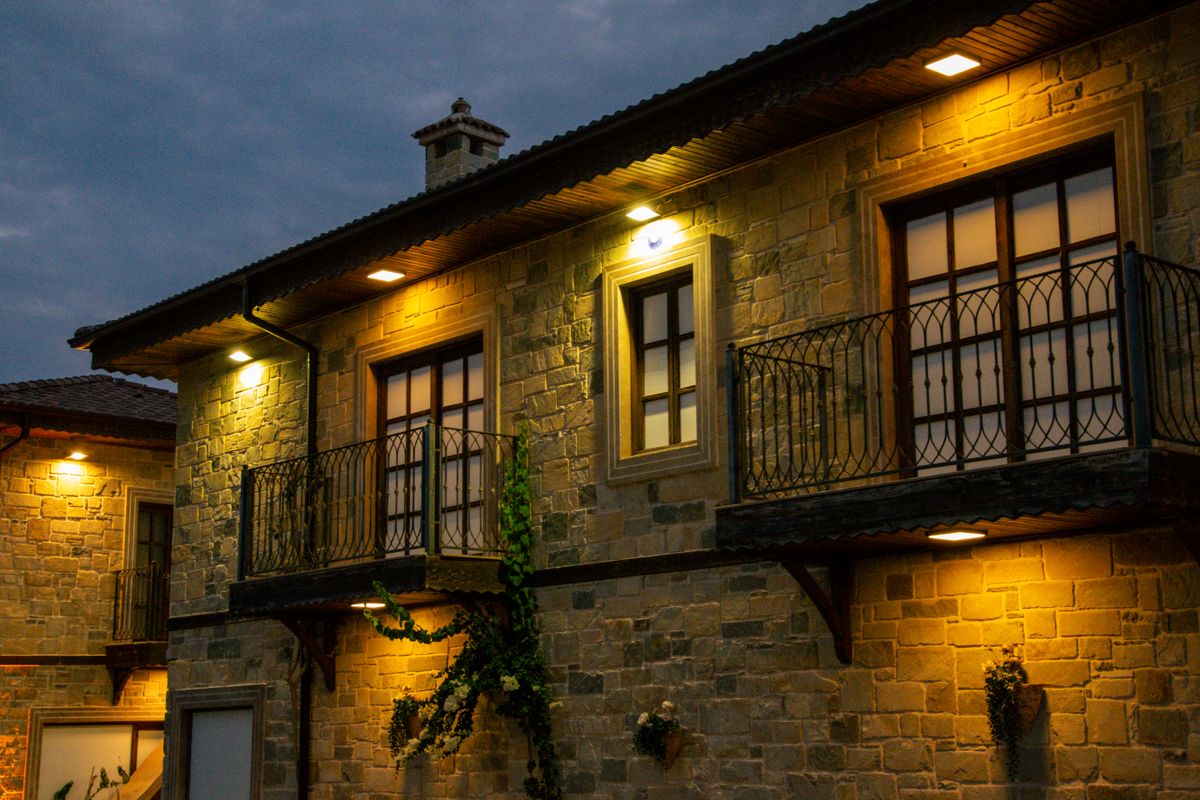
Photo by Anna Klymenko on Pexels
> Pro Tip: To prevent your smart solar spotlights from running out of battery before dawn, avoid setting a continuous 100% brightness schedule. Instead, leverage Aidot app v2.5.0 to create a two-tier nighttime curve: run 50% brightness from sunset until 11:00 PM (peak security window), then automatically transition to 30% brightness (2700K Warm White) until sunrise. > > This dynamic reduction cuts nighttime energy draw by over 50%, allowing the internal lithium battery to maintain active perimeter defense through long, overcast winter nights across northern US latitudes.
Automated Dusk-to-Dawn Method Comparison Matrix
| Feature / Capability | Aidot App v2.5.0 Astronomical Routine | Hardware Photocell Sensor | Mechanical / Static Timer |
| --- | --- | --- | --- |
| Trigger Accuracy | Exact GPS-calculated sunset & sunrise | Vulnerable to local artificial ambient light | Fixed clock time (requires manual adjustments) |
| Winter Night Reliability | High (Programmable dimming preserves power) | Low to Medium (Constant 100% output drains battery fast) | Low (Does not adapt to changing sunset times) |
| Energy Conservation | Customizable 10%–100% dimming schedules | Binary On/Off (Full energy drain while active) | Binary On/Off (Full energy drain while active) |
| Multi-Fixture Synchronization | Instant group sync across all yard zones | Inconsistent (Sensors trigger at varying light levels) | Clocks drift apart over time |
| Light Pollution Resilience | Immune (App uses astronomical time, not lux sensors) | High risk (Streetlamps trick sensor into shutoff) | Immune (Operates strictly by clock) |
Evaluating how app-driven astronomical scheduling compares with legacy sensor technologies highlights key performance differences during varying weather conditions.
Troubleshooting Common Dusk-to-Dawn Automation Failures
| Symptom | Probable Root Cause | Diagnostic Step | Recommended Fix |
| --- | --- | --- | --- |
| Spotlight turns off around 2 AM instead of dawn | Excessive standby brightness (80%–100%) depleting battery reserve | Inspect active brightness levels in the Aidot app schedule tab | Reduce standby night brightness to 30%–50% in Aidot v2.5.0 to conserve energy for dawn. |
| Lights fail to activate at sunset | Solar panel receiving glare from porch lights or streetlamps | Examine solar panel surface at night for direct artificial light exposure | Re-angle the solar panel away from light fixtures or tilt it to local latitude ±5°. |
| Multiple fixtures turn on at different times | Spotlights assigned to individual schedules rather than a unified group | Check Aidot app device tab for unassigned spotlights | Create a unified Device Group in Aidot v2.5.0 and apply the sunset routine to the entire group. |
| Color scene resets to default white overnight | Firmware mismatch or power cycle caused by critical low voltage | Verify Aidot app version and spotlight battery status in settings | Update Aidot app to version 2.5.0, ensure full 6-hour direct solar charge, and save custom RGBTW scenes to memory. |
If your outdoor spotlights shut off prematurely or fail to execute scheduled routines, use this diagnostic reference to resolve hardware tilt and app settings.
Immediate Steps to Configure Your Security Perimeter
Your decision: Transition your outdoor security lighting from static manual timers or uncalibrated photocells to an Aidot app (v2.5.0) astronomical dusk-to-dawn routine.
Do this next: Update Aidot app to v2.5.0, adjust Linkind SL5C solar panels to your local latitude tilt ±5°, position lights 5-7 ft from pathways or walls, and set dusk-to-dawn standby brightness to 30%-50%.
Related resource: Troubleshooting Linkind SL5C Aidot App v2.5.0 Connectivity & Offline IssuesUpgrade your perimeter defense with the Linkind SL5C Smart Solar Spotlight (Pack Size options available at https://smartsolarspotlight.com).
Follow this operational sequence to pair your physical spotlight installation with smart app routines for long-term outdoor security.
Recommended Gear for Automated Outdoor Lighting
For durable, weather-resistant security lighting that integrates directly with smart app routines, select dedicated smart solar hardware designed for high battery efficiency.
Upgrade your property's security and curb appeal with the Linkind SL5C Smart Solar Spotlight. Featuring an IP67 waterproof rating, full RGBTW color-changing LEDs, and seamless Aidot App (v2.5.0) control, these fixtures deliver automated dusk-to-dawn defense with zero electrical costs.
Transform your outdoor space today by exploring multi-pack options at smartsolarspotlight.com.
Key Takeaways for Smart Dusk-to-Dawn Automations
Keep these essential practices in mind when setting up smart solar spotlight schedules:
- Use Astronomical Schedules: Set Aidot app (v2.5.0) triggers to GPS sunset/sunrise rather than fixed clock hours to accommodate seasonal daylight shifts.
- Throttle Nighttime Brightness: Running fixtures at 30%–50% standby output prevents midnight battery exhaustion while maintaining perimeter visibility.
- Calibrate Panel Tilt: Angle solar panels facing true south at your local US latitude ±5° to maximize solar absorption during short winter days.
- Maintain Proper Distance: Position spotlights 5–7 feet away from pathways, architectural features, or fence lines for balanced beam distribution.
- Isolate Panels from Light Pollution: Ensure streetlamps and porch lights do not shine directly onto the solar panel surface at night.
Pre-Automation & Seasonal Setup Checklist
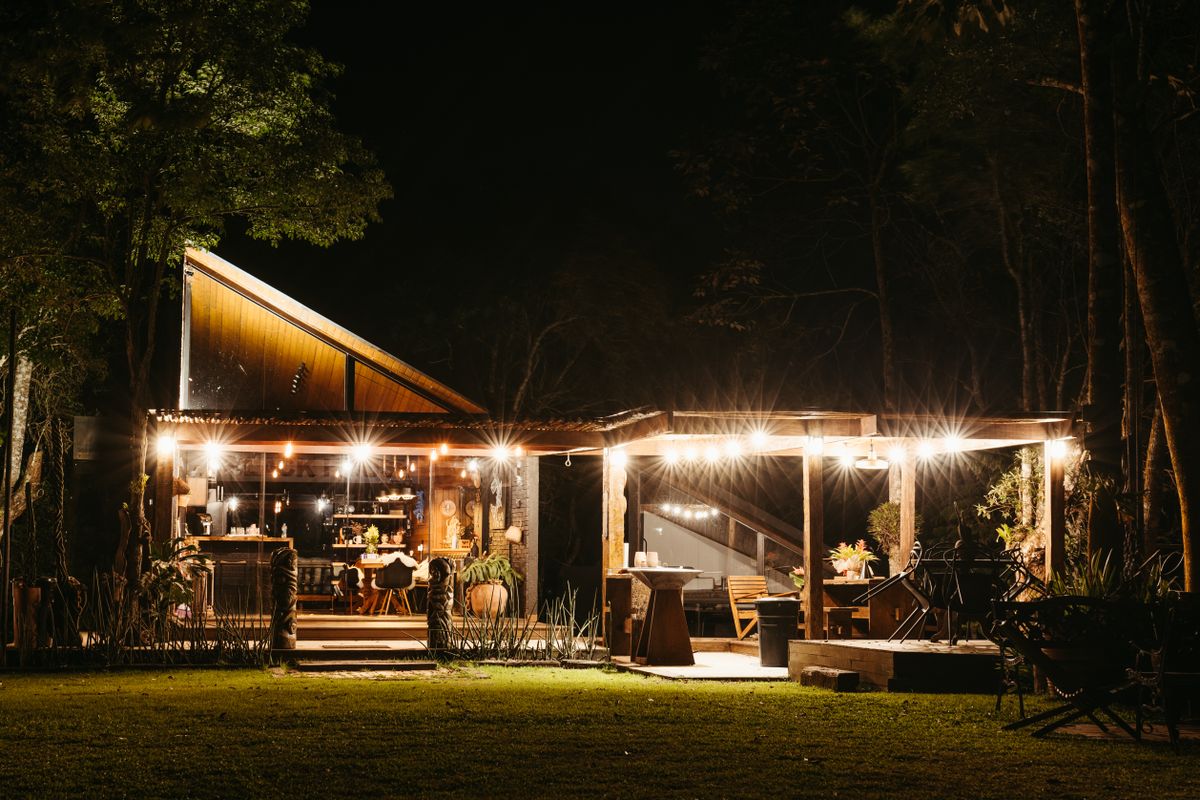
Photo by Jonathan Borba on Pexels
- Verify Aidot app is updated to version 2.5.0 or later.
- Ensure solar spotlight panels are free of tree canopy, gutter, or wall shadows between 10 AM and 4 PM.
- Set solar panel tilt angle to local US latitude ±5° (e.g., ~40° in Midwestern US) facing south.
- Install spotlights 5–7 feet away from target objects or wall surfaces for optimum beam spread.
- Confirm no bright ambient light sources (porch lights, streetlamps) shine directly on the solar panel at night.
- In Aidot v2.5.0, create an 'Astronomical Schedule' selecting 'Sunset' as start trigger and 'Sunrise' as off trigger.
- Set ambient night security brightness between 30% and 50% to conserve battery reserve for long winter nights.
- Test group execution to confirm all spotlights trigger simultaneously at dusk.
Common Security Lighting Automation Mistakes to Avoid
Avoid these common setup errors that cause premature power failure or unreliable schedule triggers:
Frequently Asked Questions: Outdoor Security Lighting Automation
Find detailed answers to common configuration questions regarding the Aidot app (v2.5.0), solar panel tilt angles, and grouping capabilities.
Related Guides & Advanced Automation Resources
Expand your knowledge on smart solar landscape lighting with these complementary automation guides:
- How to Automate Outdoor Security Lighting with Smart Solar Schedules — Deep dive into multi-zone scene creation and custom daylight schedules.
- How to Pair and Group Linkind SL5C Smart Solar Spotlights in the Aidot App v2.5.0 — Step-by-step pairing walkthroughs for complex yard configurations.
- Troubleshooting Linkind SL5C Aidot App v2.5.0 Connectivity & Offline Issues — Advanced network diagnostics for smart outdoor devices.
Final Implementation Plan for Outdoor Lighting Automation
Your decision: Complete your smart solar spotlight deployment by applying geographical schedule automation in Aidot v2.5.0.
Do this next: Verify Aidot app build 2.5.0, set solar panels to local latitude tilt ±5° facing south, space fixtures 5-7 ft apart, and schedule dusk-to-dawn standby lighting at 30%-50% brightness.
Related resource: Troubleshooting Linkind SL5C Aidot App v2.5.0 Connectivity & Offline IssuesReady to upgrade your home security? Order the IP67 waterproof Linkind SL5C Smart Solar Spotlight at https://smartsolarspotlight.com.
Take action today to optimize your home's outdoor security and aesthetic ambiance.
Cover photo by Anna Klymenko on Pexels.